




CONNECT YOUR WEBSITE TO THE SYSTEMS THAT RUN YOUR BUSINESS

RubyWeb connects South African business websites to the CRM, API, and operational systems they already run on, so data stops getting captured twice. 
The Real Problem

Manual Data Entry Is Where Leads Quietly Disappear


Most businesses come to us with a website and a set of business systems that don’t talk to each other. Someone on the team is copying data by hand, or worse, not copying it at all, and every manual step is a place a lead or an order can fall through. 

The gaps that quietly cost you leads.

We build the integration that moves them across the moment they arrive.

We connect the systems so data is captured once and shared everywhere.

We build custom integrations to your exact requirement.

We configure the CMS so your team can make routine changes independently.

We build the connection so both systems stay accurate in real time.

We consolidate and replace them with something built for how you actually work.

Our Capabilities

Integrations Built to Your Exact Requirement

We organise this pillar around removing manual admin and connecting the tools your business already depends on, not around generic plugin installs. 

How We Deliver This Work

Every engagement runs through the same eight-phase process – no shortcuts, no exceptions. Every site is Google Lighthouse benchmarked before launch.

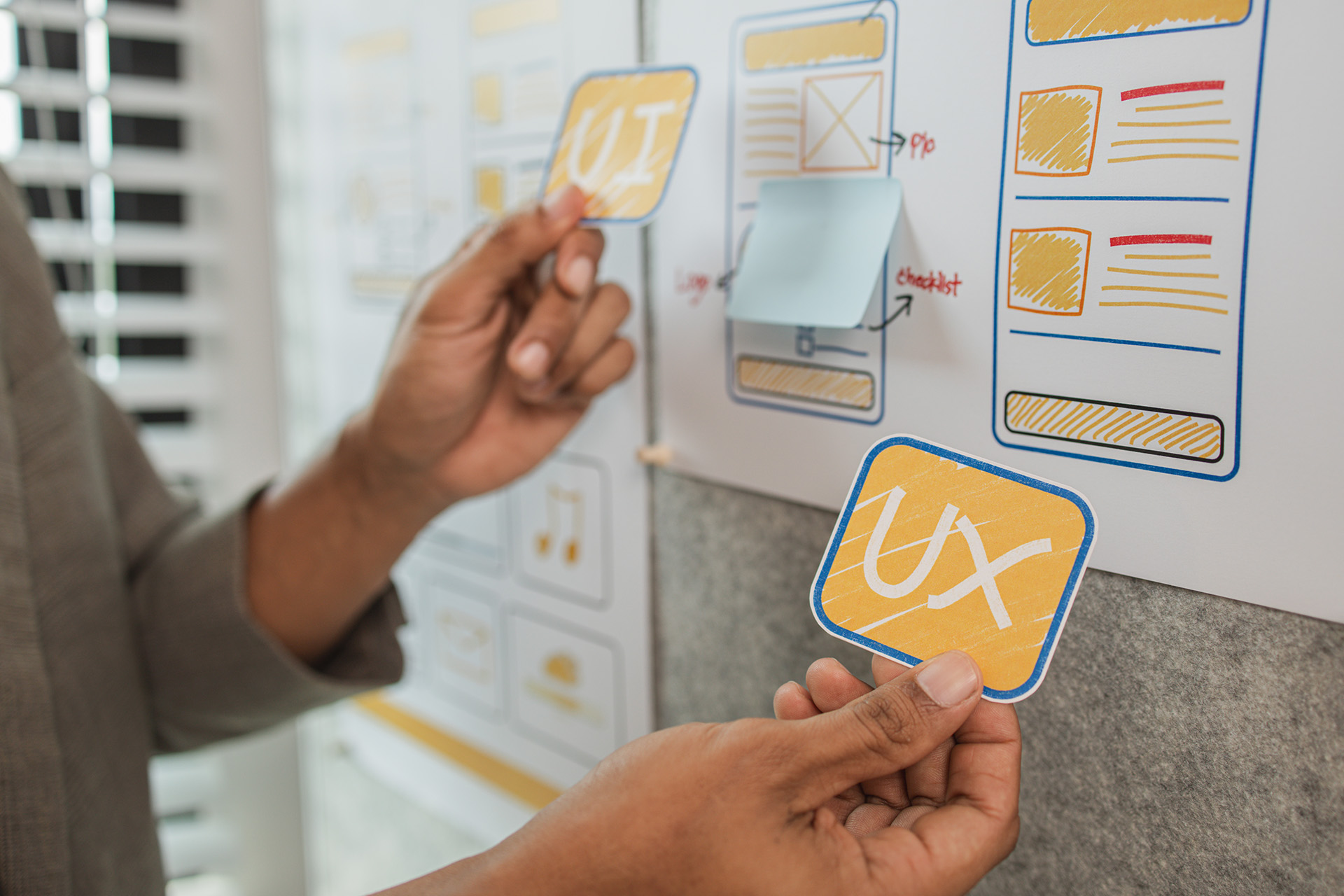
  1. UX / UI Audit

    We look at what you have before we plan what to build. No assumptions, no copy-paste from the last client.

  2. Project Planning

    Scope, timeline, milestones, and communication rhythm agreed upfront. You’ll know what’s happening before a single tool is opened.

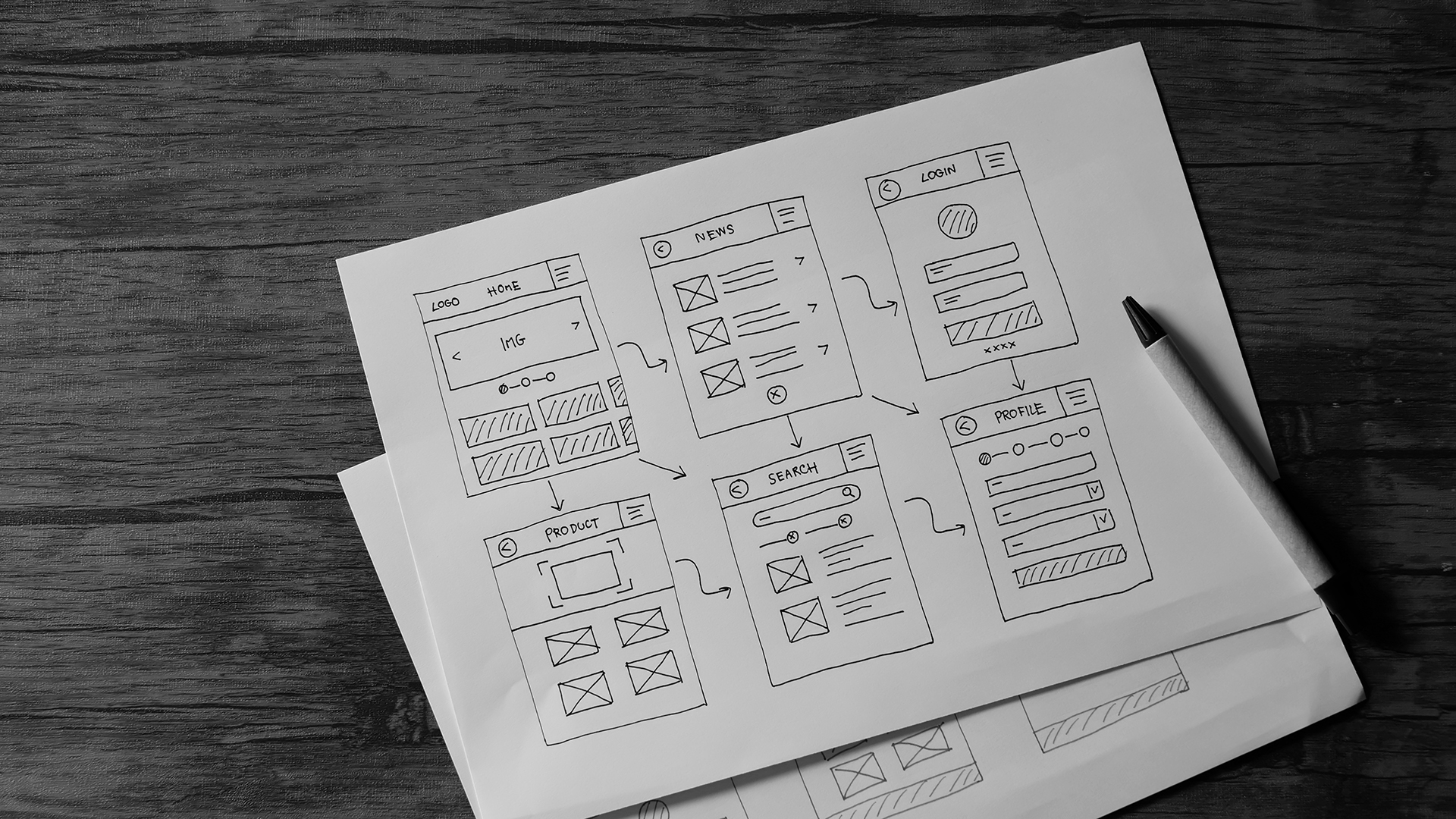
  3. Wireframes

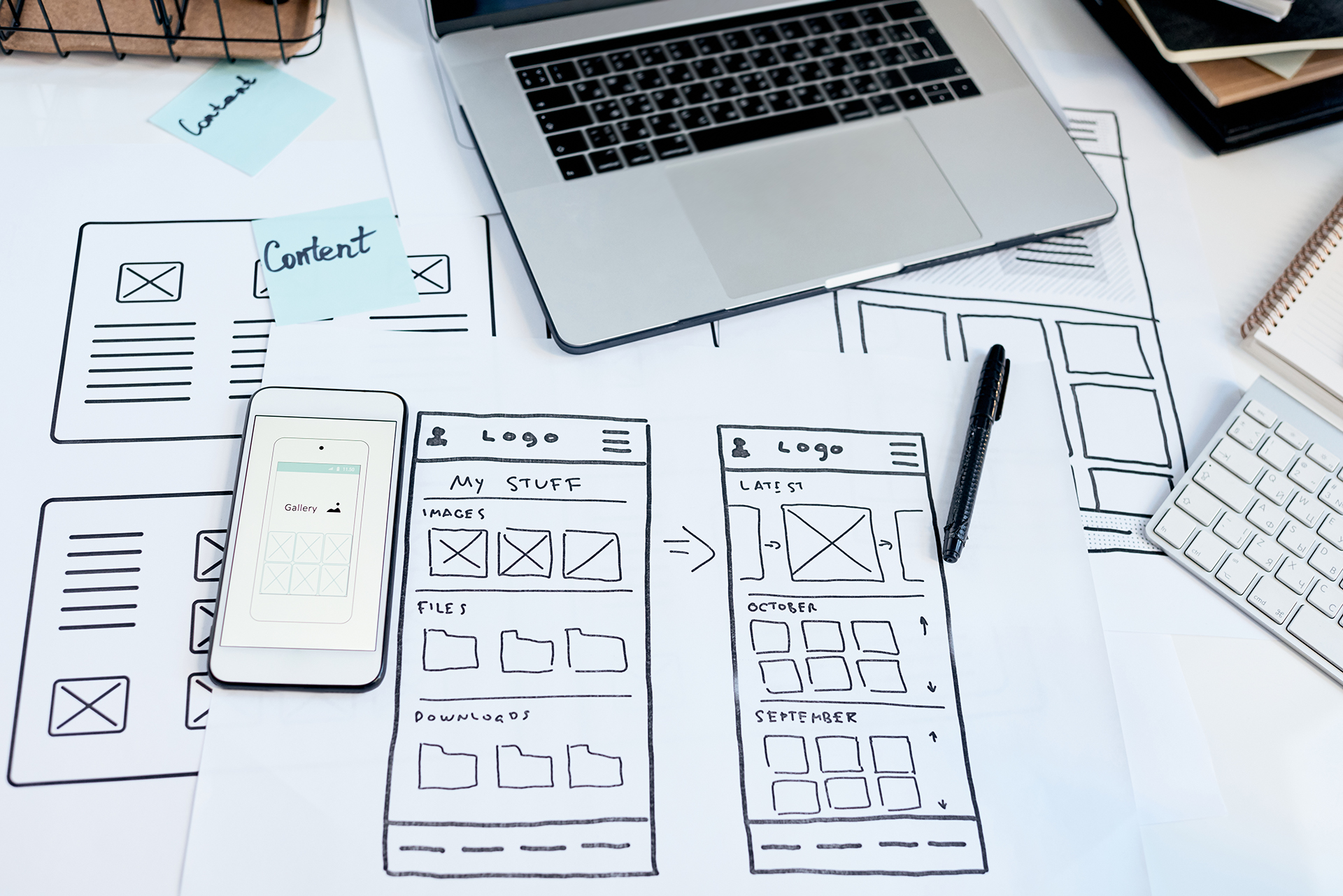
    Structure before style. We map how users move through the site and agree on the architecture before design begins. This is where conversion is built in - not bolted on.

  4. Design

    Brand-aligned visuals with clear feedback checkpoints. Nothing moves to development without your sign-off.

  5. Content Finalization

    Every page needs final copy, images, and assets before the build starts. We manage this actively - most project delays live here, and we protect against that early.

  6. Development

    Clean code, regular updates, no surprises. A 50% deposit secures your start date.

  7. Testing & UAT

    We test across devices and browsers before you see it. You review and sign off before anyone talks about launch.

  8. Launch

    Tuesday to Thursday only. Google Lighthouse benchmarked, fully documented, handed off with training.

Selected Work

Custom WordPress Development That Eliminated Manual Work

Integration work is measured in hours saved and errors eliminated. Here’s what that looks like.

Custom WooCommerce Integration

Managing a large product catalogue manually is not a growth strategy. Our client needed their WooCommerce store to stay in sync with their supplier platform automatically - products, pricing, stock, images, and orders - without a team member touching it between imports. We built a custom plugin to make that happen.

Read more about this Case Study →


Custom Seasonal Pricing Plugin

WooCommerce Bookings is a powerful platform - until your pricing model outgrows what it can do natively. For a booking-based experience business with seasonal add-on pricing, the gap between what the platform could display and what customers were actually being charged was a real commercial problem. We solved it by building a custom plugin from the ground up.

Read more about this Case Study →
Thorp Haval & GWM

When a dealership website gets hacked, the damage goes beyond the technical. Thousands of spam URLs, a Google manual penalty, and a brand customers couldn't find. We rebuilt it from the ground up - and what we delivered became the design standard for the entire Thorp Motor Group.

Read more about this Case Study →

Custom WordPress Development - FAQ

Custom WordPress development refers to building WordPress functionality, integrations, or plugins that are designed specifically for your business, rather than using off-the-shelf themes, page builders, or generic plugins. It includes building custom post types and data structures, writing custom plugin functionality, integrating WordPress with external systems via API, and developing user interfaces inside WordPress that match your exact workflow requirements.

You need a custom WordPress plugin when your requirement is specific enough that no existing plugin solves it without significant compromise, when the available plugins carry security or performance risks you don’t want to accept, or when accumulated plugin dependencies are creating instability or bloat. We’ll tell you honestly whether a custom build is warranted or whether an existing solution handles your use case well enough.

We work with all major CRM platforms including HubSpot, Salesforce, Zoho, ActiveCampaign, and Pipedrive. We also build integrations with custom internal CRM systems through their APIs. The integration approach depends on what the CRM supports, native API, webhook-based, or middleware, and we scope accordingly. If you’re not sure whether your CRM is compatible, tell us what you’re running and we’ll give you a straight answer.

It depends on the complexity of the integration and the systems involved. A straightforward CRM connection with standard fields and basic automation typically runs 2–4 weeks. A more complex API integration with custom data mapping, error handling, and testing against edge cases will run longer. We scope every integration individually and provide a timeline before the project begins.

Yes. We diagnose and repair integrations built by other developers regularly. The first step is understanding what the integration was supposed to do, how it was built, and where it’s failing. Depending on what we find, we’ll either repair the existing implementation or recommend a clean rebuild if the original approach has fundamental issues. We’ll tell you which before any work begins.

Our content management setup service covers WordPress CMS configuration tailored to your team’s workflow, user role and permission setup, reusable content block and page template creation, editor interface configuration, and training, either recorded sessions or live walkthroughs depending on your team’s preference. You also receive written documentation covering everything your team needs to manage the site independently.

Ready to Stop Doing By Hand What Your Systems Should Do Automatically?

Tell us what’s currently manual and where the gaps are. We’ll come back with a clear, scoped recommendation, no jargon, no pressure. 

"*" indicates required fields